
Hoteling workstations
How Should Shared Hot Desks Be Cleaned in a Hybrid Office?
Shared workstations change hands daily, so cleaning has to happen between users as well as overnight. Here is how to divide the work.
The short answer
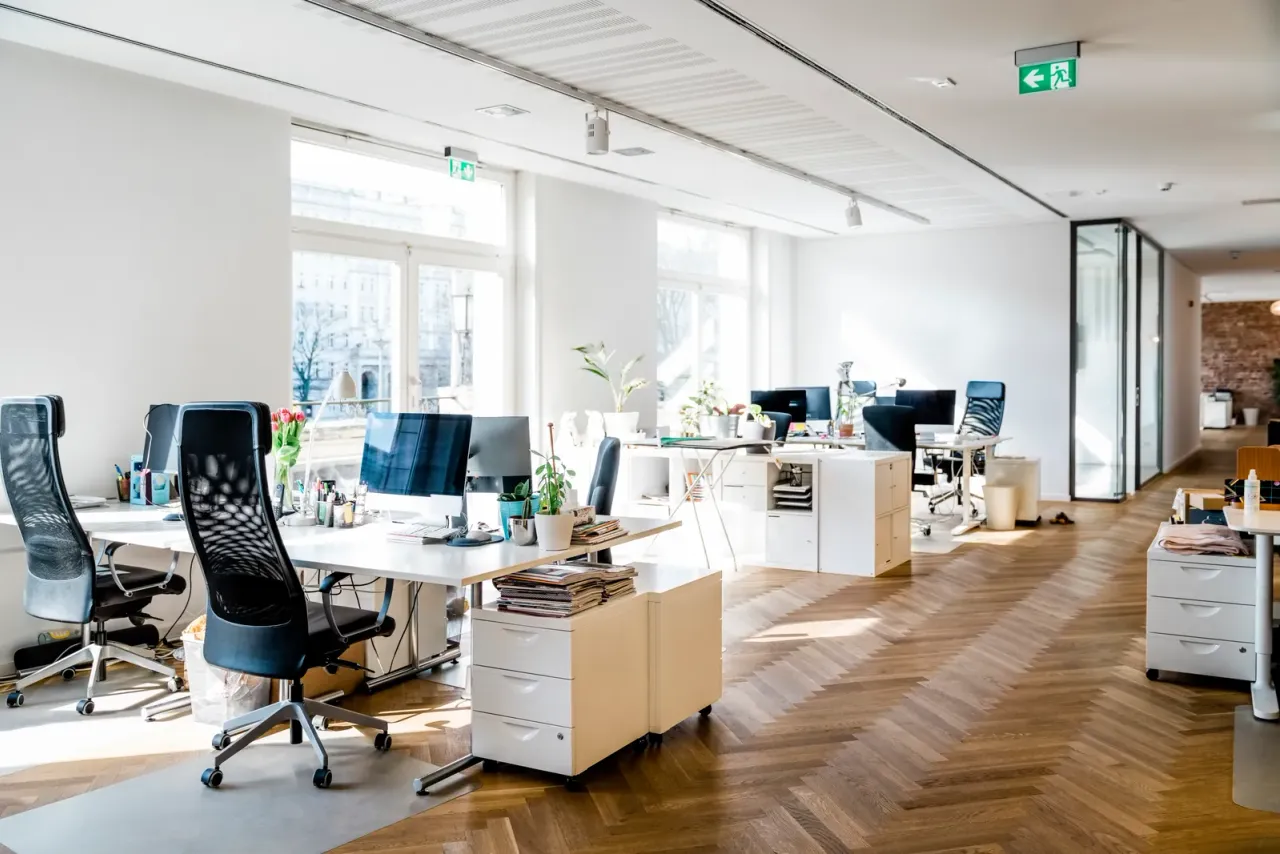
Hot desk cleaning works in two layers: each shared desk is wiped with a disinfectant wipe between users, either by the person leaving it or by staff on a booking turnover, and the janitorial crew cleans every hot desk fully each night. The nightly clean covers the desktop, keyboard and mouse, monitor edges, docking station, chair arms and adjustment levers, and any shared phone. A clear-desk policy is what makes both layers possible.
Who cleans a shared workstation, and when
Splitting the job between users, daytime staff and the night crew keeps desks clean without asking any one group to do everything. The schedule below works for most hoteling floors.
| Layer | Who | When | What it covers |
|---|---|---|---|
| Between users | Departing user, from a wipe station | When leaving the desk | Desktop, keyboard, mouse, chair arms |
| Daytime reset | Day porter | Midday or between booking blocks | Wipe stations restocked, abandoned items reported, spills handled |
| Nightly clean | Janitorial crew | Every service night | All touch surfaces, cleared desktop, trash, floor beneath the desk |
| Weekly detail | Janitorial crew | Once a week | Monitor arms, cable trays, desk legs, task lights, under-desk modesty panels |
| Periodic | Floor and upholstery crew | Quarterly or as needed | Fabric chair seats and backs vacuumed or extracted, desk screens wiped |
Why hot desk cleaning starts with a clear-desk policy
Crews are trained not to move or clean personal belongings, so a desk with a jacket, notebooks and a coffee mug left on it gets skipped. A clear-desk rule, backed by lockers or personal storage bins, gives the night crew a bare surface to clean on every shared workstation.
If the office uses a desk-booking system, its daily usage report can tell the crew which neighborhoods were actually occupied. Most offices still clean every hot desk nightly, because the cost of tracking is higher than the cost of wiping an unused desk, but booking data is useful for planning deeper weekly work.
Keyboards, mice, docks and screens: safe cleaning methods
Shared electronics carry the most hand contact on a hot desk and are the easiest to damage. The method matters more than the product.
- Lock or power down the device first so keystrokes do not trigger anything
- Never spray liquid directly onto a keyboard, dock or monitor; wet the cloth or use a pre-moistened wipe
- Wring out wipes so no liquid runs between keys or into ports
- Use only products the device manufacturer allows; many permit isopropyl alcohol wipes on keyboards and mice
- Clean monitor screens with a dry or lightly dampened microfiber cloth, not with disinfectant meant for hard surfaces
- Issue personal headsets where possible, because foam and fabric ear cushions cannot be disinfected reliably
Wipe stations people will actually use
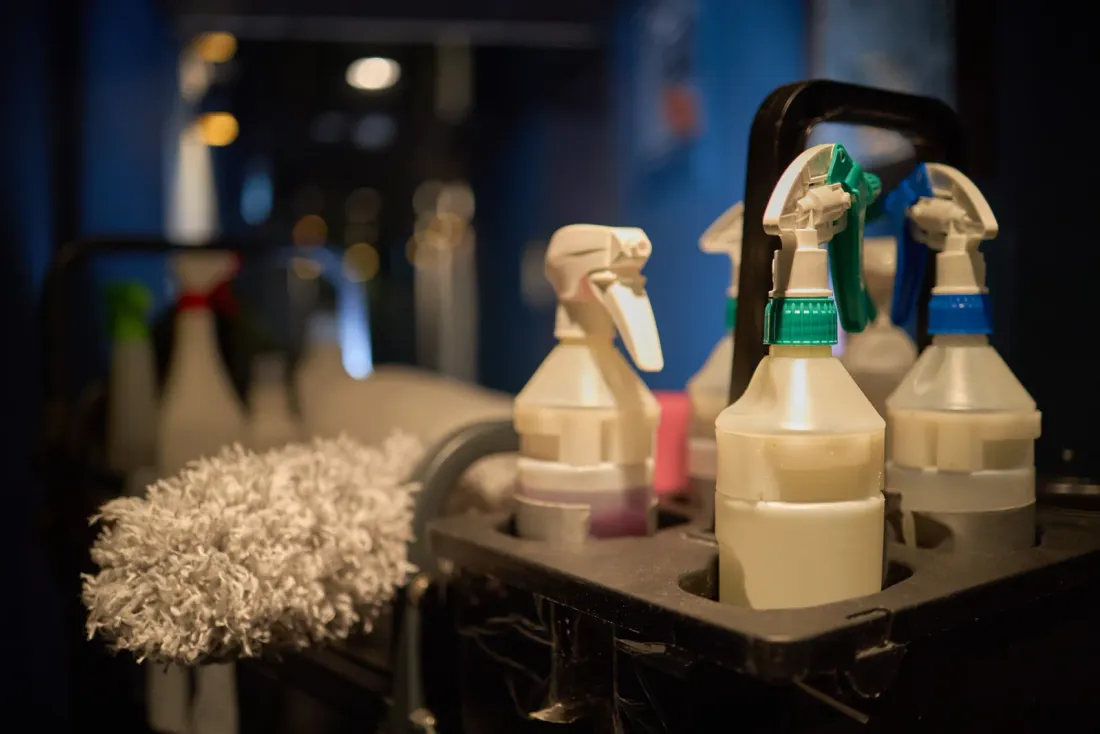
A wipe station only works if it is in the walking path and never empty. Put one at the entry to each desk neighborhood rather than on every desk, choose an EPA-registered disinfectant wipe that is safe on laminate, metal and plastic, and keep the lid closed so wipes do not dry out.
Place a small waste bin beside each station, and post a short card that names the label contact time so users know to leave the surface wet rather than wiping it dry. A day porter should check and refill stations at least once during the day.
Phone booths, focus rooms and collaboration tables
Hybrid offices trade assigned desks for shared rooms, and those rooms concentrate touches. Enclosed phone booths have door pulls, small shelves and sometimes a touch panel used dozens of times a day, and their limited airflow makes them feel stale quickly. Collaboration tables collect food crumbs and marker dust, and video-conference room panels are touched by every meeting host.
Treat these rooms like hot desks: a wipe station nearby for users, a daytime check by the porter on in-office days, and a full nightly clean that includes whiteboard trays, cords and the underside edge of the table.
How EBS cleans hoteling floors
EBS Maintenance writes shared workstations, booths and collaboration areas into the nightly scope as their own room type, separate from assigned offices. Day porter service can cover wipe-station restocking and midday resets on busy office days, and supervisors check hot desks during routine inspections.
Team members are uniformed, background-checked and trained on which surfaces and devices they may clean. Green cleaning products are available on request for offices that want them on shared desks.
Related questions
Still not sure? A supervisor can answer at the walkthrough.
Request a walkthroughAll questionsShould employees wipe down their own hot desk?
Yes, as a between-user step. Asking the departing user to wipe the desktop, keyboard and mouse takes a minute and protects the next person. It does not replace the nightly clean, which reaches surfaces users skip, such as chair levers, monitor arms and the floor beneath the desk.
What happens if someone leaves belongings on a shared desk?
The crew cleans around them or skips the desk and reports it, depending on your policy. Cleaners should not move personal items. Many offices have the day porter or office manager clear abandoned items into a lost-and-found bin before the night crew arrives.
How often should shared desk chairs be cleaned?
Wipe chair arms and adjustment levers nightly, because every user grabs them. Vacuum fabric seats and backs weekly, and extract or deep clean upholstery on a periodic schedule, or sooner if spills and stains show up. Vinyl or mesh chairs are easier to keep clean on hoteling floors.
Do hot desks need disinfecting or just cleaning?
Both. Cleaning removes skin oil, crumbs and dust; disinfecting then treats the touch surfaces that pass from one person to the next. On a desk that is only slightly dirty, one cleaner-disinfectant wipe covers both jobs, provided the product label permits one-step use and the desktop stays wet for the listed contact time.
Keep reading
Free site walkthrough
Talk to EBS about your facility
A few details and a supervisor calls you back the same business day.
- Call(949) 375-3305
- Emailinfo@ebsmaintenance.com
- HoursDaytime, evening, overnight and weekend schedules